Search terms
Add and manage the keywords Serpfull searches for.
A search term is a keyword plus a country, optional city, device and language. Each term has its own clicks-per-day target.
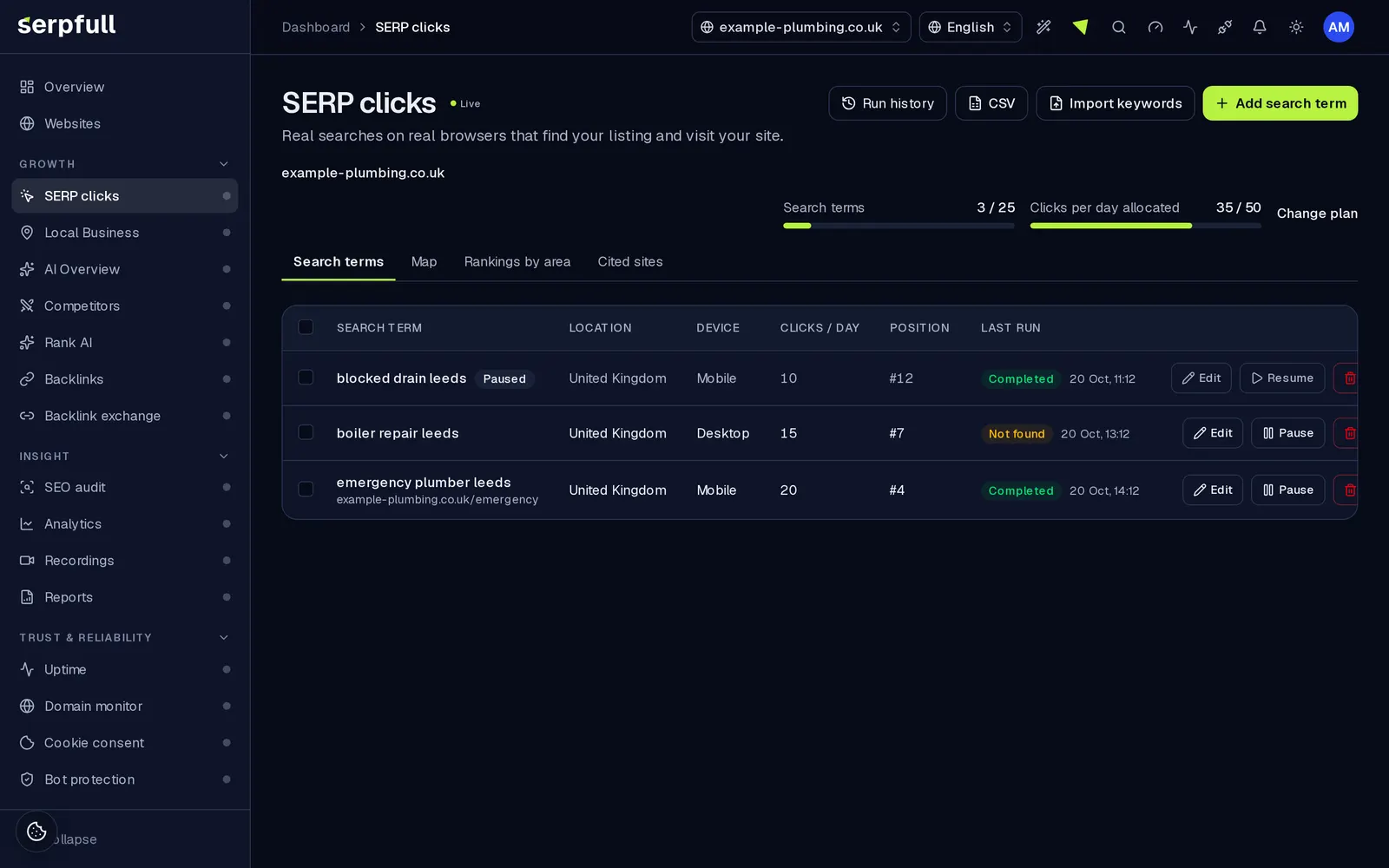
Adding a term
- Open SERP clicks, pick the website, and use Add a search term.
- Target URL is optional; if you set it, it must be a page on the same domain and only that page counts as found.
- Choose the country and device the search should come from.
- Set clicks per day. The form shows how many clicks are left on the website's plan.
Limits
The number of search terms and the total clicks per day depend on the website's plan and any extra clicks pack. Search terms per website: Starter 10, Growth 25, Scale 75, Pro 250, Enterprise Custom. Clicks a day = the plan's included clicks (Starter 10, Growth 25, Scale 50, Pro 100, Enterprise 200) plus an optional extra pack (+10, +25, +50, +100, +250, +500 or +1,000), which can be added to any plan. The longest visit and pages per visit come from the plan. A website needs an active plan before it can have search terms.
Pausing and editing
Pause a term to stop scheduling it; paused terms don't count towards your daily clicks, and resuming is blocked if it would exceed the plan. If your site isn't found in 3 runs in a row, the term is paused automatically, marked "Paused: site not found" and you get a notification; resume it when you're ready and the count starts again. Edit a term from its detail page, where you can also see its last 50 runs, best position and success rate. Removing a term keeps its run history for reports.
Bijgewerkt