Verify your website
Prove you own a website with a meta tag, a DNS TXT record or an HTML file.
We only run searches for websites you've proved you own. Open the website in Websites and pick one method. We check once when you press Verify ownership.
Meta tag
Add this to the head section of your homepage (your token is shown in the dashboard):
<meta name="serpfull-site-verification" content="YOUR_TOKEN" />DNS TXT record
Add a TXT record on the _serpfull subdomain. DNS changes can take up to an hour.
_serpfull.example.co.uk TXT serpfull-verification=YOUR_TOKENHTML file
Upload a file named serpfull-<first 12 characters of your token>.txt to your web root, containing only the token. It must load over HTTPS.
What our checker does
- Requests your homepage or file over HTTPS as SerpfullVerifier/1.0.
- Follows up to three redirects on the same domain only.
- Never fetches private or internal IP addresses.
Take the guided tour
In the dashboard, click the wand icon in the header and choose “Settings”, or pick “Tour this page” while you’re on it. The tour highlights each part of the page step by step.
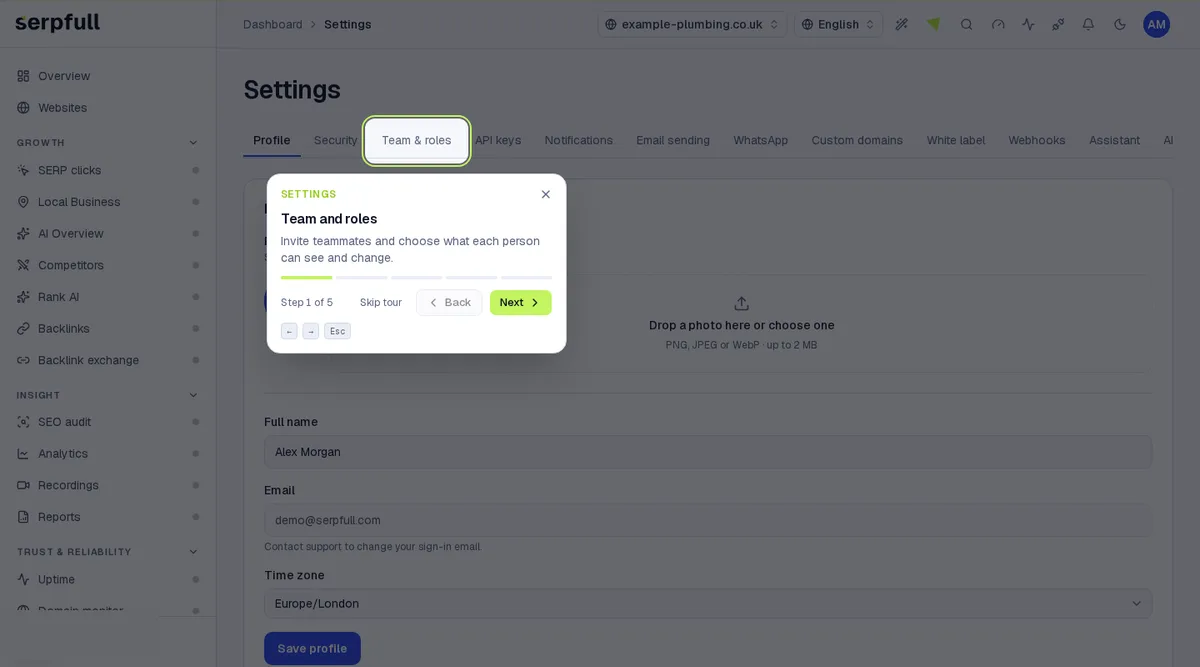
Take the guided tour
In the dashboard, click the wand icon in the header and choose “Billing”, or pick “Tour this page” while you’re on it. The tour highlights each part of the page step by step.
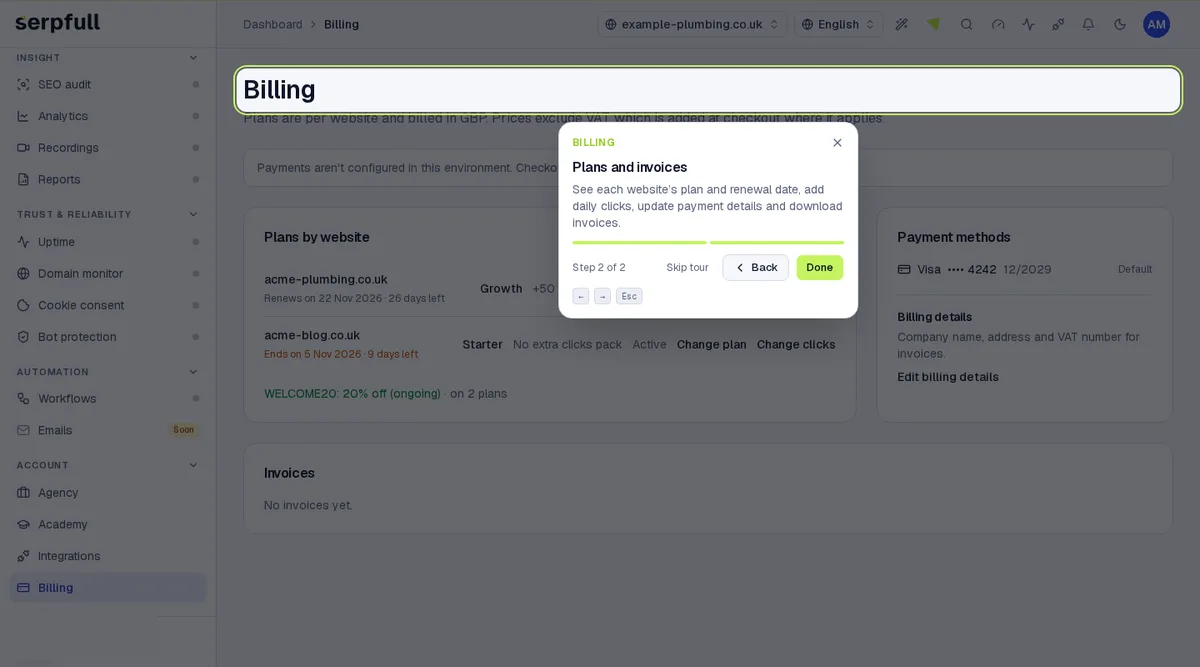
Uppdaterad