Session replay, masked in the browser.
Privacy-safe session recording on top of Analytics: replay clicks, scrolls and navigation on one timeline while inputs and personal details are stripped or masked client-side before upload.
Kort fortalt
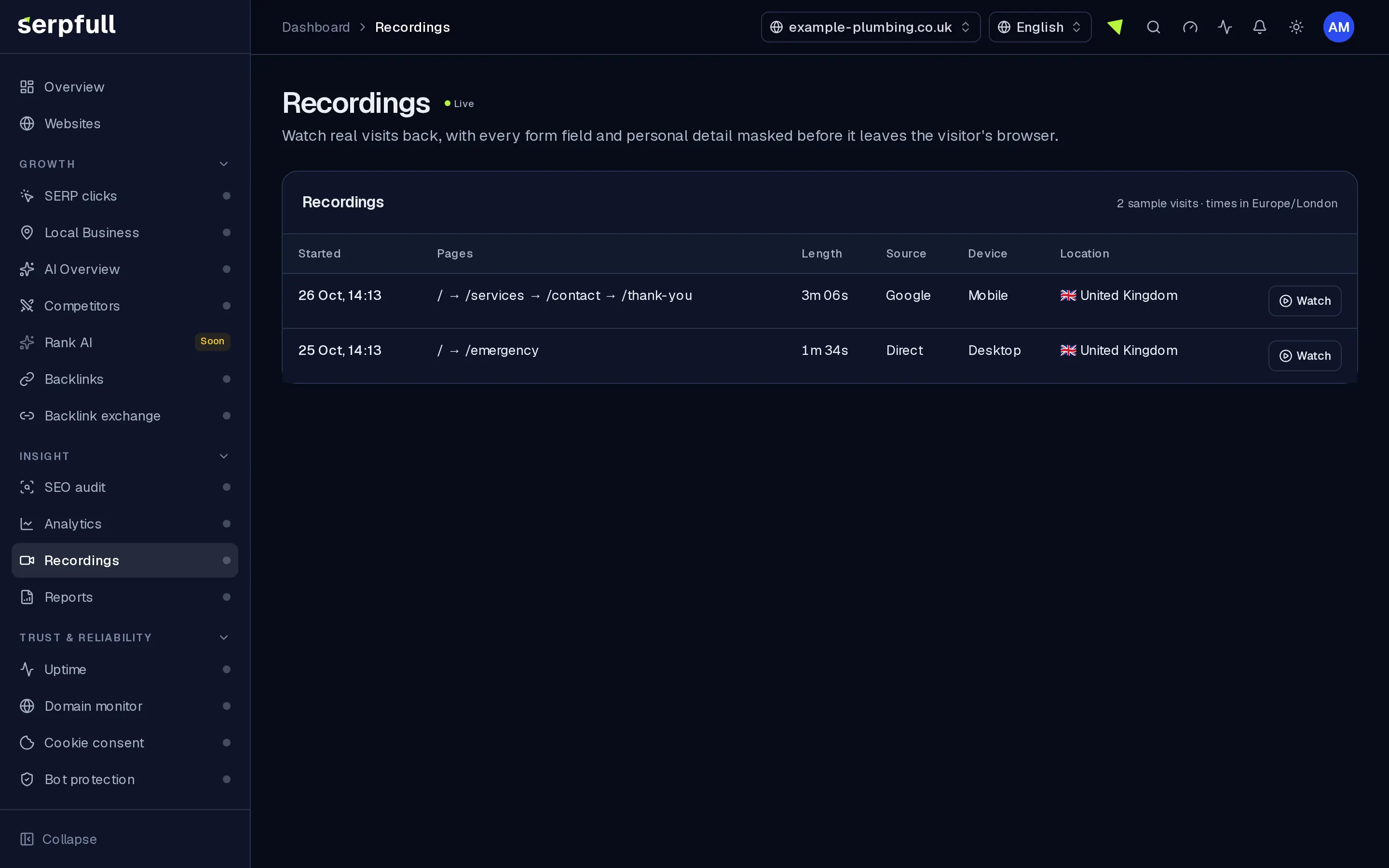
Recordings adds session replay to the Analytics snippet you already install, with no second tag. Field values are never stored (just their length), password, email, phone and card fields are skipped, and personal details in page text are masked in the visitor’s browser before anything is sent. Sample visits, filters, share links and storage limits by plan. Included on every plan.
Why Recordings
How it works
From setup to results, step by step
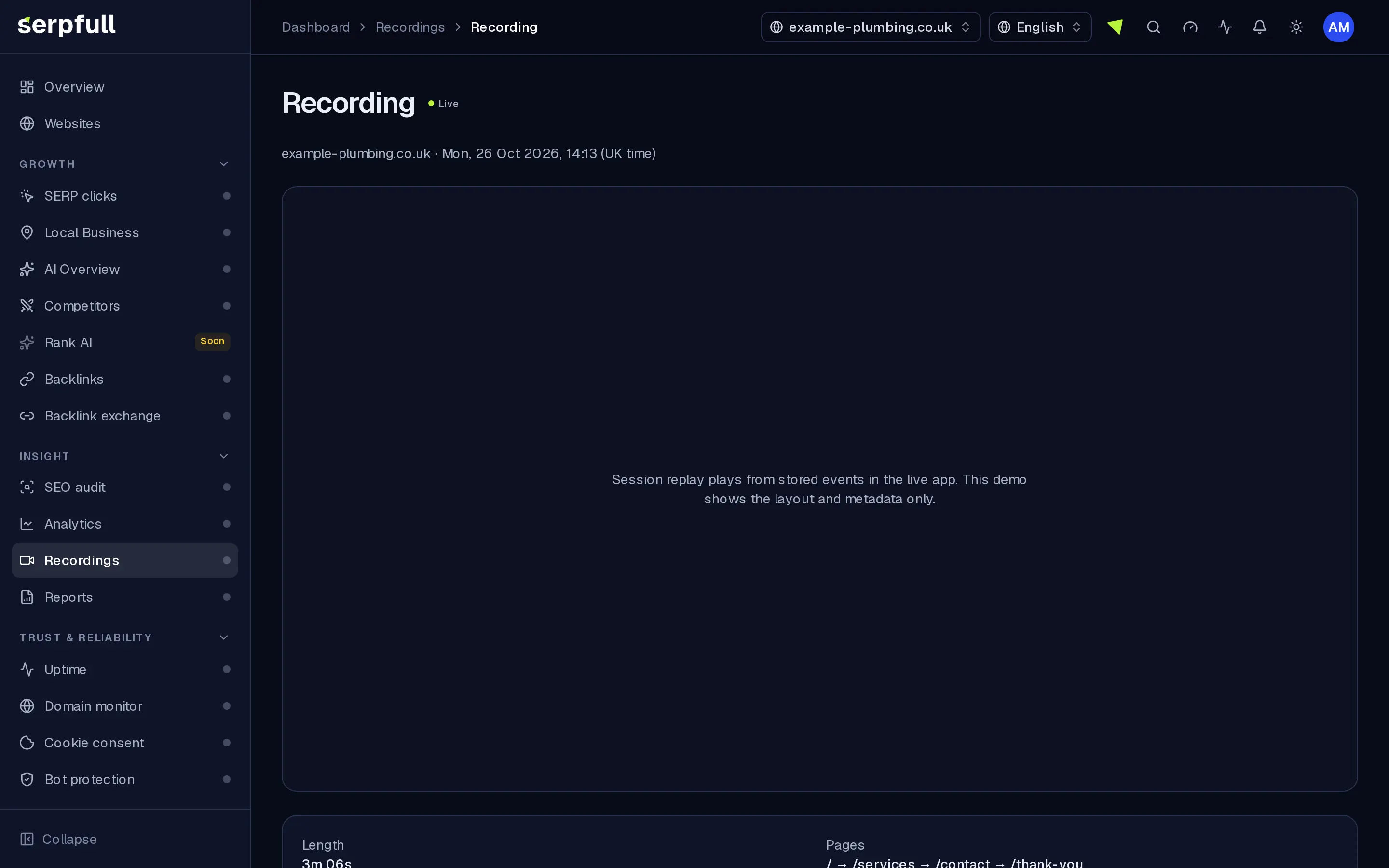
Screens from our demo workspace, showing sample data.
- 01
Switch it on
Turn Recordings on for a website. The Analytics snippet you already have loads the recorder for the visits you choose to record.
- 02
Choose what to record
Set the share of visits to record, skip very short visits and hide page sections you never want captured.
- 03
We mask before upload
Field values, sensitive inputs and personal details in text are masked in the browser, then small compressed batches are sent.
- 04
Watch, filter and share
Replay visits with an activity feed, filter for rage clicks and errors, and share one recording by link.
Features
Inside Recordings
Mask before upload
Sensitive field values never leave the browser, just their length as dots. Personal details in text are masked in the browser; nothing is redacted afterwards on our servers.
Replays with an activity feed
Pages, clicks, scrolls, rage and dead clicks, errors, events and downloads, synced to playback. Click to jump.
Private by default
Password, email, phone and card inputs are skipped entirely. No cookies or browser storage are read.
Light on your site
The recorder loads just for visits you choose to record, sends small compressed batches and stops on idle. Images and fonts aren’t copied.
Filters that find problems
Filter by page, country, device, length, rage clicks and errors, or jump in from any visit in Sessions.
Share a link
Send one recording to a developer or client, with an optional password and expiry. Revoke it any time and see how often it’s been watched.
You set the limits
Choose what share of visits to record, skip very short visits, hide whole page sections and keep the query parameters you need.
Guidede ture
En guidet tur viser dig rundt Recordings
I dashboardet klik på tryllestavsikonet i headeren og vælg Recordings-turen, eller vælg “Tour this page”. Den fremhæver hver del af siden og forklarer, hvad den gør, trin for trin.
Sådan fungerer guidede tureUse cases
Who uses Recordings
Plan limits
Recordings on each plan
Limits apply per website. Every plan includes Recordings.
| Limit | Starter | Growth | Scale | Pro | Enterprise |
|---|---|---|---|---|---|
| Recordings per month | 250 | 1.000 | 5.000 | 40.000 | 100.000 |
| Recordings kept (days) | 14 | 30 | 60 | 180 | 365 |
| Storage (MB) | 256 | 1.024 | 5.120 | 40.960 | 102.400 |
Questions
Recordings FAQ
Do I need a new snippet?
No. Switch Recordings on for a site and the Analytics snippet loads the recorder for the visits you record.
What’s never recorded?
Anything typed into fields (just the length, as dots), password, email, phone and card fields at all, email addresses, phone and card numbers in text, cookies, browser storage, and query strings unless you allow them. Add data-serpfull-block to hide an element or data-serpfull-mask to mask its text.
Does it respect cookie consent?
Yes. When the Serpfull cookie banner is on a page, recordings wait for consent to analytics before they start.
How long are recordings kept?
It depends on your website’s plan, within its storage allowance, as shown in the table on this page. The oldest are removed when the limit is reached.
What if I hit my monthly limit?
We alert you at 80% and 100%. Once you reach it, new visits aren’t recorded until next month. Analytics keeps working as normal.
Does it slow my site down?
The recorder loads just for visits you choose to record, sends small compressed batches and stops when the visitor is idle. Images and fonts aren’t copied.
See what visitors actually do.
Switch on Recordings for a website and watch real visits, masked before upload.