White-label SEO reports from every module.
Build client reports in minutes: SERP runs, rankings, audits, analytics, uptime and more in one branded layout. Then share a link, export a PDF or schedule weekly or monthly delivery.
Kort sagt
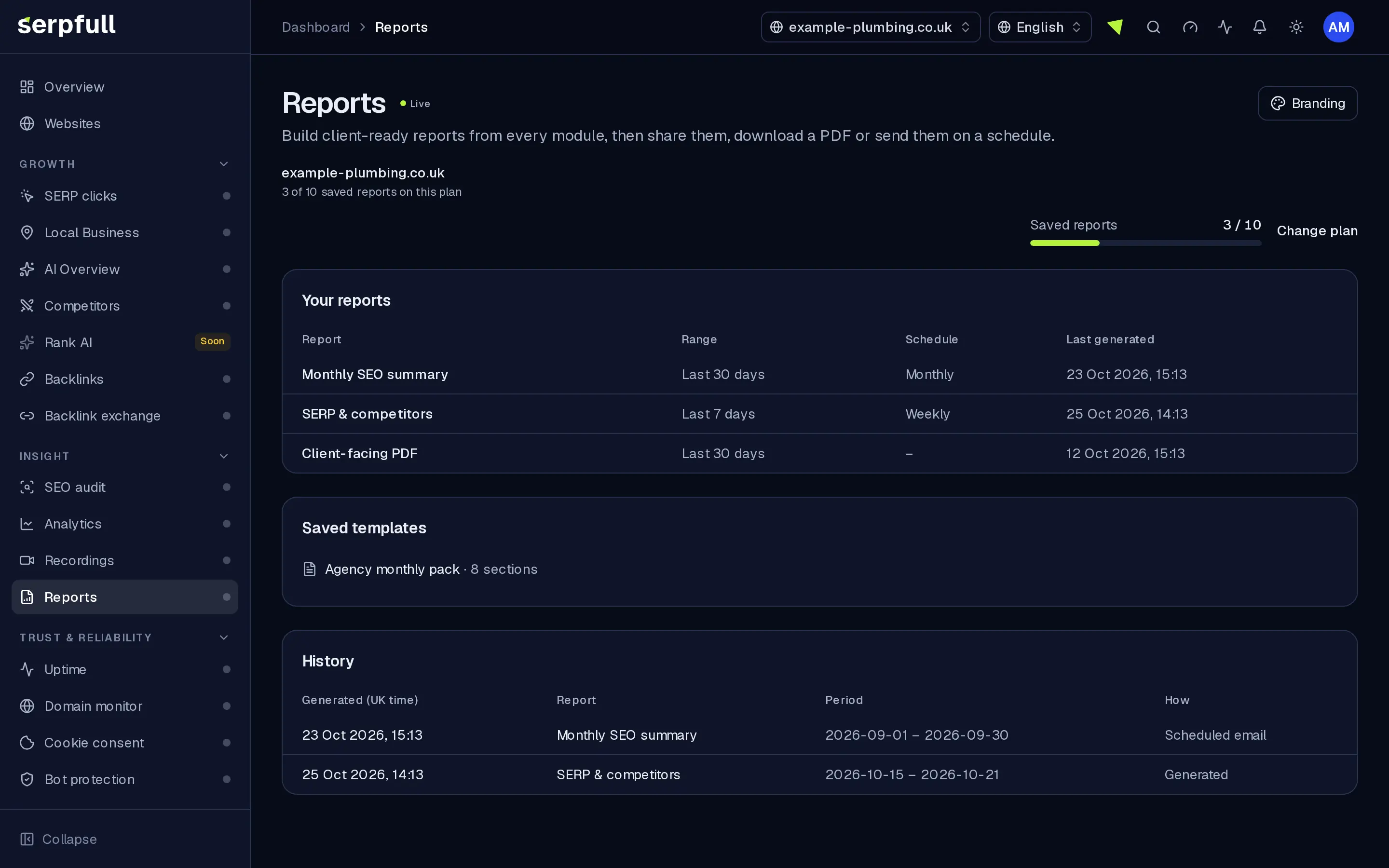
Reports is client reporting without spreadsheet glue. Drag in sections from every live module, add notes, pick date ranges and comparisons, and publish under your logo and colours. Password-protected share links, PDF and CSV exports, templates and scheduled emails keep agencies and in-house teams on schedule.
Why Reports
How it works
From setup to results, step by step
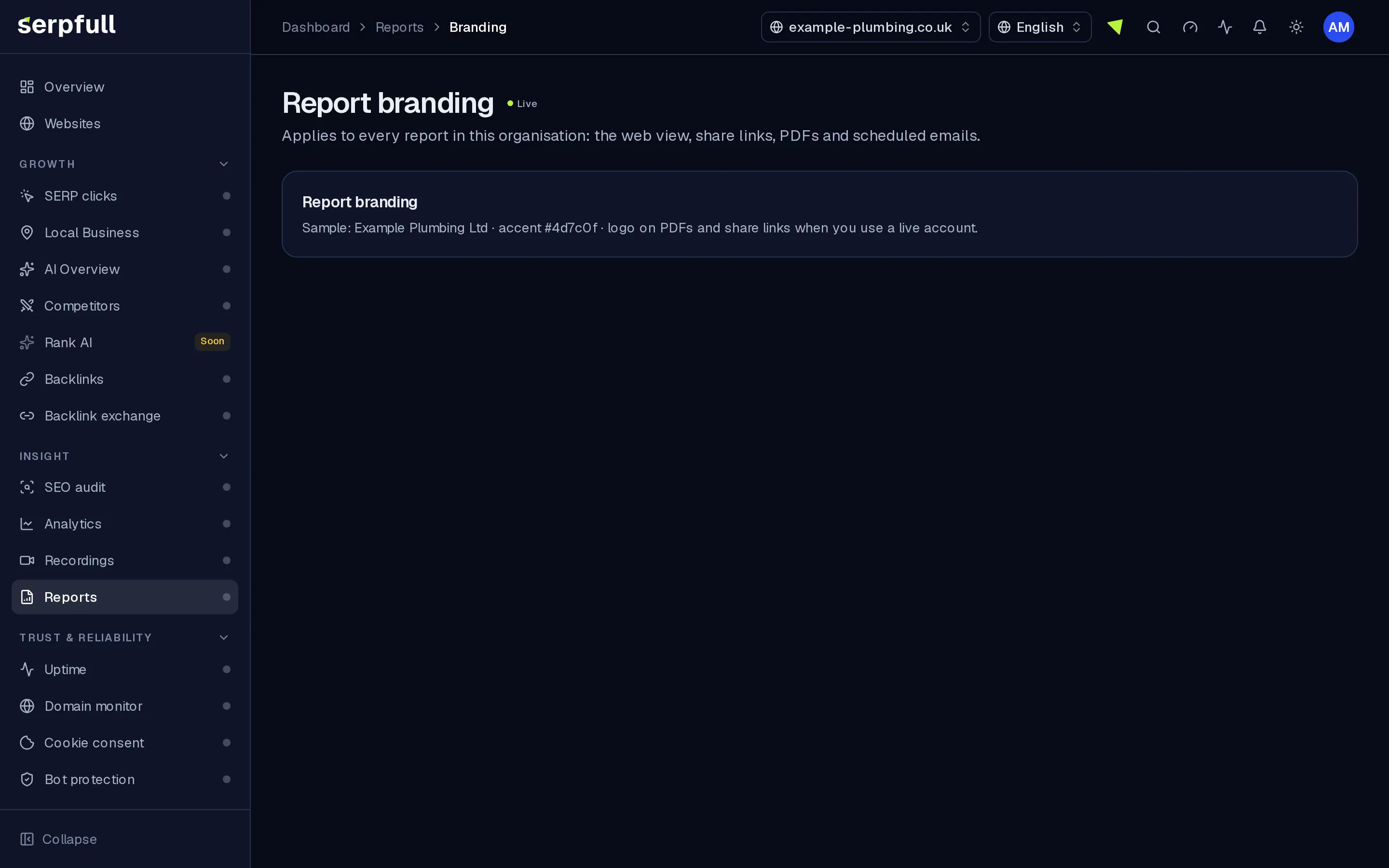
Screens from our demo workspace, showing sample data.
- 01
Pick a template
Start from Monthly client report, SEO health or Traffic overview, or a layout you saved.
- 02
Add sections and notes
Drag in sections from each module, reorder them, rename them and add your own notes.
- 03
Choose period and comparison
Any date range, compared with the previous period or the same time last year.
- 04
Share or schedule
Send a password-protected link, download a PDF or CSV, or schedule weekly or monthly emails.
Features
Inside Reports
Cross-module sections
SERP clicks, competitors, SEO audit, analytics, goals, funnels, page speed, recordings, backlinks, exchange, uptime and domains. Reorder and annotate.
A summary written for you
A plain-English headline of what moved (visits, positions, audit score and runs) from your numbers, before the detail.
Drag-and-drop layout
Rename sections, reorder blocks and save templates such as Monthly client report or Traffic overview.
Any period, any comparison
Last 7 or 30 days, last month, last quarter or custom dates, compared with the previous period or the same time last year.
Your brand, not ours
Your logo, accent colour and company name on the web view, PDF and emails, with the option to hide “Powered by Serpfull” where your plan allows.
Share, download or schedule
Password-protected links with expiry and view counts, a PDF and CSV of every number, and weekly or monthly emails at the time you choose.
Templates and history
Start from a template, save your own layouts, and reopen any copy that was sent.
Guidad rundtur
En guidad tur visar dig runt Reports
I instrumentpanelen, klicka på trollstavsikonen i sidhuvudet och välj Reports-turen, eller välj "Guidad tur på denna sida". Den markerar varje del av sidan och förklarar vad den gör, steg för steg.
Hur guidade turer fungerarUse cases
Who uses Reports
Plan limits
Reports on each plan
Limits apply per website. Every plan includes Reports.
| Limit | Starter | Growth | Scale | Pro | Enterprise |
|---|---|---|---|---|---|
| Saved reports | 3 | 10 | 25 | 150 | 500 |
| Schedules | 1 | 3 | 10 | 75 | 250 |
| Recipients per schedule | 2 | 3 | 5 | 20 | 50 |
| Your logo and colours | No | No | No | Yes | Yes |
| Hide “Powered by Serpfull” | No | No | No | Yes | Yes |
Questions
Reports FAQ
What can a client see from a share link?
That report alone, under your branding. Nothing else in your account. Add a password and expiry, see how often it’s been opened and revoke it at any time.
When do scheduled reports go out?
On the weekday or day of the month and the hour you pick, in UK time. Each recipient gets a link and, if you choose, the PDF attached. Every send is listed in the delivery log.
How many reports can I keep?
Saved reports, schedules and recipients per schedule depend on your plan, as shown in the table on this page.
Is the summary written by a person?
It’s generated from your numbers using fixed rules: the biggest changes in visits, positions, audit score and click runs, in plain English. Add your own notes section alongside it.
Which modules can I report on?
SERP clicks, Competitors, SEO audit, Analytics (including goals, funnels and page speed), Recordings, Backlinks, Backlink exchange, Uptime and Domain monitor.
Can I export the numbers?
Yes. Download a PDF of the report or a CSV of every number in it.
Send the report without building it.
Pick a template, add sections from your modules and share, export or schedule it.