Uptime monitoring with a status page.
Monitor pages, SSL certificates, domains, ports and scheduled jobs. Failures are confirmed before you’re alerted, a branded status page keeps visitors informed, and outages show up on your Analytics charts and in client reports.
Kort sagt
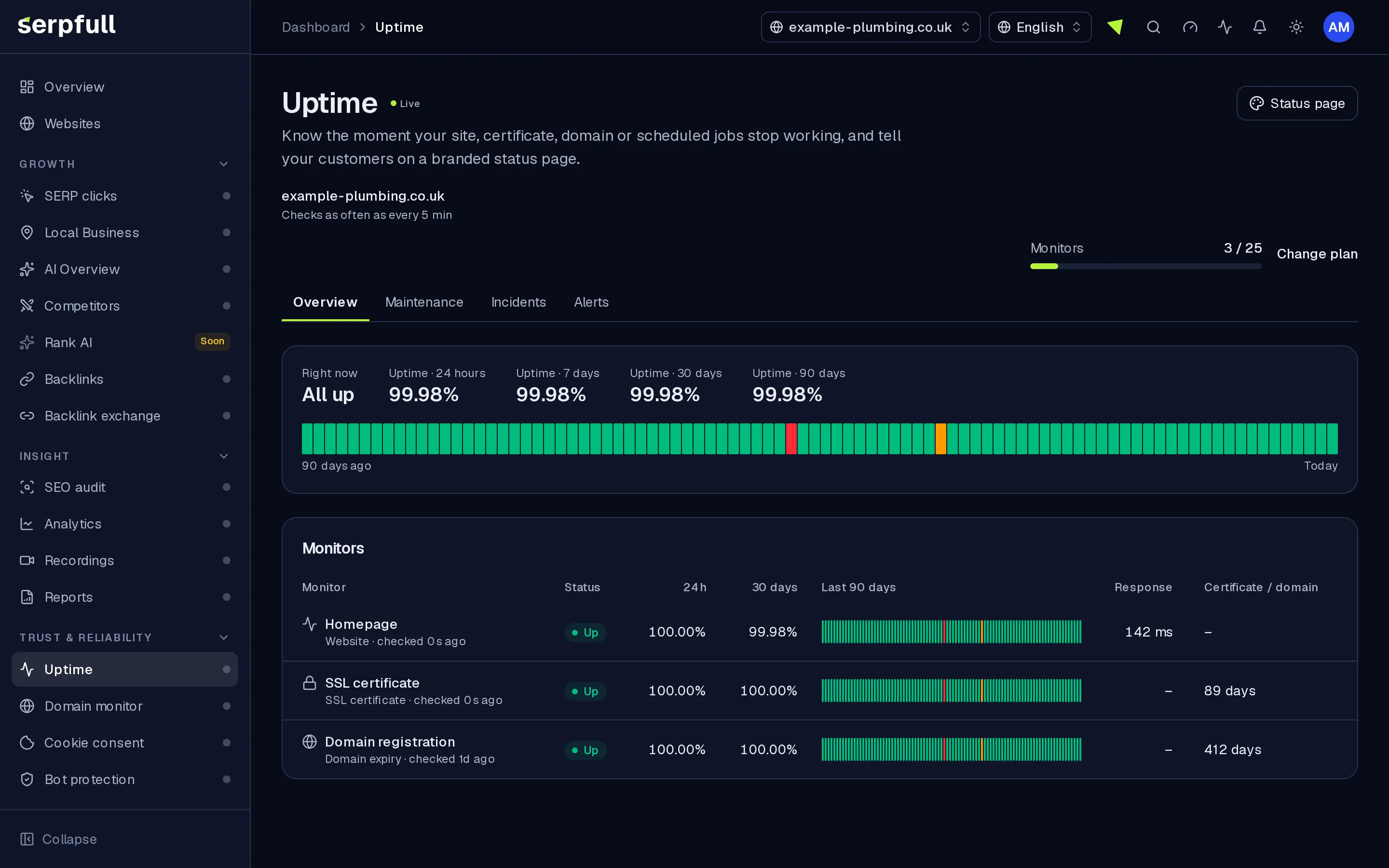
Uptime is website uptime monitoring plus public status pages. HTTP checks with content matchers, certificate and domain expiry, TCP ports and heartbeat URLs for jobs. Double-check before incidents open, then notify in-app, by email or webhook. Branded status pages with 90-day history, maintenance windows and subscriber emails. Outages overlay Analytics charts and drop into Reports.
Why Uptime
How it works
From setup to results, step by step
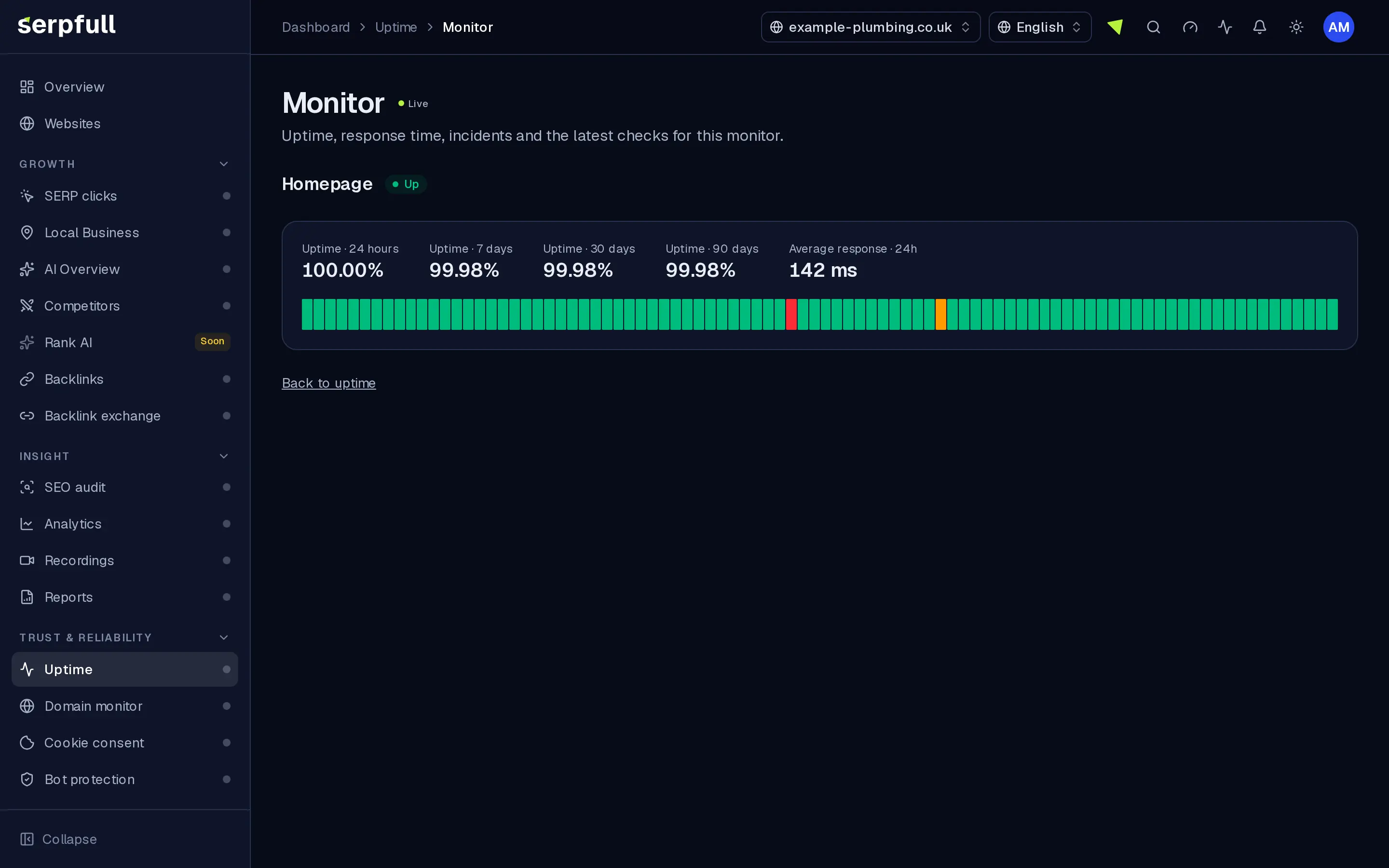
Screens from our demo workspace, showing sample data.
- 01
Add monitors
HTTP pages with status and keyword checks, SSL and domain expiry, TCP ports and heartbeat URLs for jobs.
- 02
We check on a schedule
Each monitor is checked at your plan’s interval. A failure is verified again before an incident opens.
- 03
Your team is alerted
Notification bell, team email and signed webhooks, plus a notice when it recovers.
- 04
Keep visitors informed
Publish a branded status page with history, incident updates, maintenance windows and email subscriptions.
Features
Inside Uptime
Branded status page
Your logo, colours, light or dark theme and 90-day uptime history, with fonts served from our own servers and no tracking cookies for visitors.
Six monitor types
HTTP with status and keyword checks, SSL and domain expiry, TCP ports and heartbeat URLs for scheduled jobs and backups.
Fewer false alarms
Failures are verified straight away before an incident opens, with configurable streaks and cooldowns.
Alerts where you work
Notification bell, team email, signed webhooks and chat-ready payloads, plus recovery notices.
Tied to Analytics and Reports
Downtime markers on traffic charts and an Uptime section ready for client reports.
Incidents and maintenance
Incidents open and close on their own with a timeline. Post updates, schedule maintenance to pause alerts, and let visitors subscribe by email.
Private status pages
Password-protect a status page, add custom CSS or hide it from search engines.
Guidad rundtur
En guidad tur visar dig runt Uptime
I instrumentpanelen, klicka på trollstavsikonen i sidhuvudet och välj Uptime-turen, eller välj "Guidad tur på denna sida". Den markerar varje del av sidan och förklarar vad den gör, steg för steg.
Hur guidade turer fungerarUse cases
Who uses Uptime
Plan limits
Uptime on each plan
Limits apply per website. Every plan includes Uptime.
| Limit | Starter | Growth | Scale | Pro | Enterprise |
|---|---|---|---|---|---|
| Monitors | 5 | 20 | 50 | 300 | 1 000 |
| Check interval (minutes) | 15 | 5 | 3 | 1 | 1 |
| Status page subscribers | 100 | 500 | 2 000 | 25 000 | 100 000 |
| Check history (days) | 7 | 14 | 30 | 60 | 90 |
| Password-protected status page | No | No | No | Yes | Yes |
Questions
Uptime FAQ
How often are sites checked?
At the interval your website’s plan allows, from every 15 minutes down to every minute, as shown in the table on this page. SSL certificates are checked hourly and domains twice a day.
How do heartbeat monitors work?
Each one gets a private address. Call it at the end of your scheduled job, backup or script; if it isn’t called within the interval plus a grace period, we open an incident and alert you.
How do you avoid false alarms?
A failed check is verified again straight away before an incident opens, and you can set how many failures in a row are needed and a cooldown between alerts.
Can I make my status page private?
Yes. You can password-protect it, add custom CSS and hide it from search engines.
Do status page visitors get tracked?
No. Status pages set no tracking cookies and load fonts from our own servers, so visitors’ details aren’t shared with anyone else.
Can visitors subscribe to updates?
Yes. Visitors can subscribe by email to incident and maintenance updates, up to your plan’s subscriber limit.
Hear about downtime before your customers do.
Add your monitors, confirm alerts go to the right people and publish a status page.