Guided tours
Use the built-in guided tours to learn each part of the dashboard, step by step. Your progress is saved.
Every module in the dashboard has a short guided tour. A tour dims the page, highlights one element at a time and explains what it does.
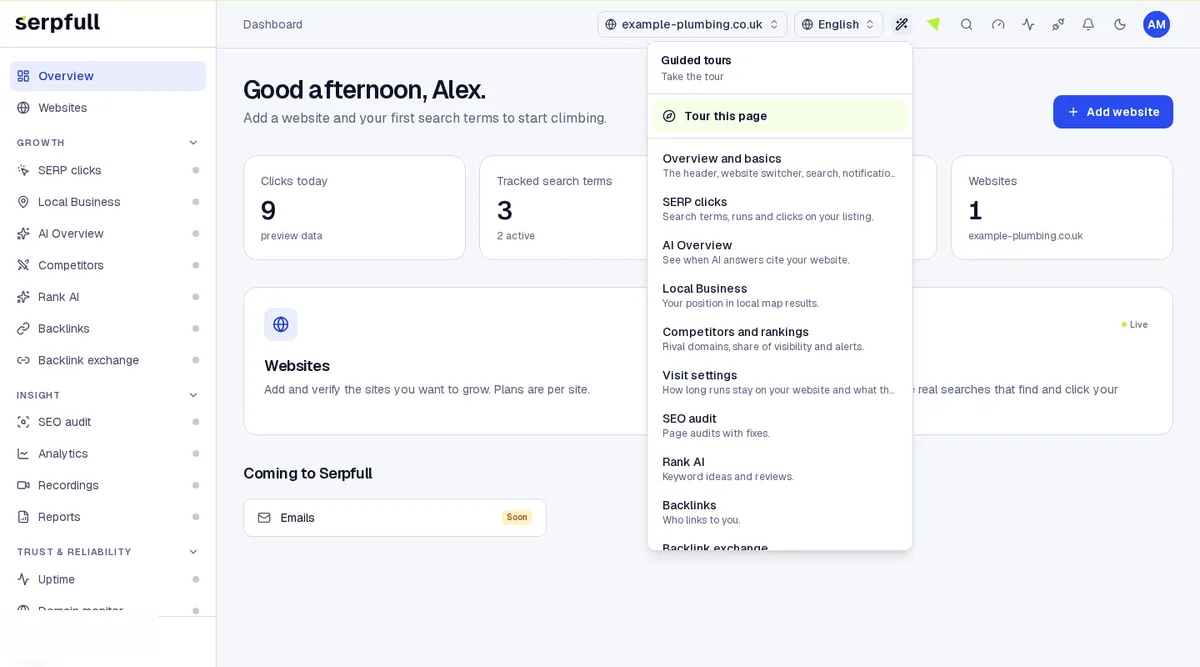
Start a tour
Click the wand icon in the dashboard header. Choose “Tour this page” for the page you’re on, or pick any tour from the list; the tour opens the right page for you.
Move through the steps
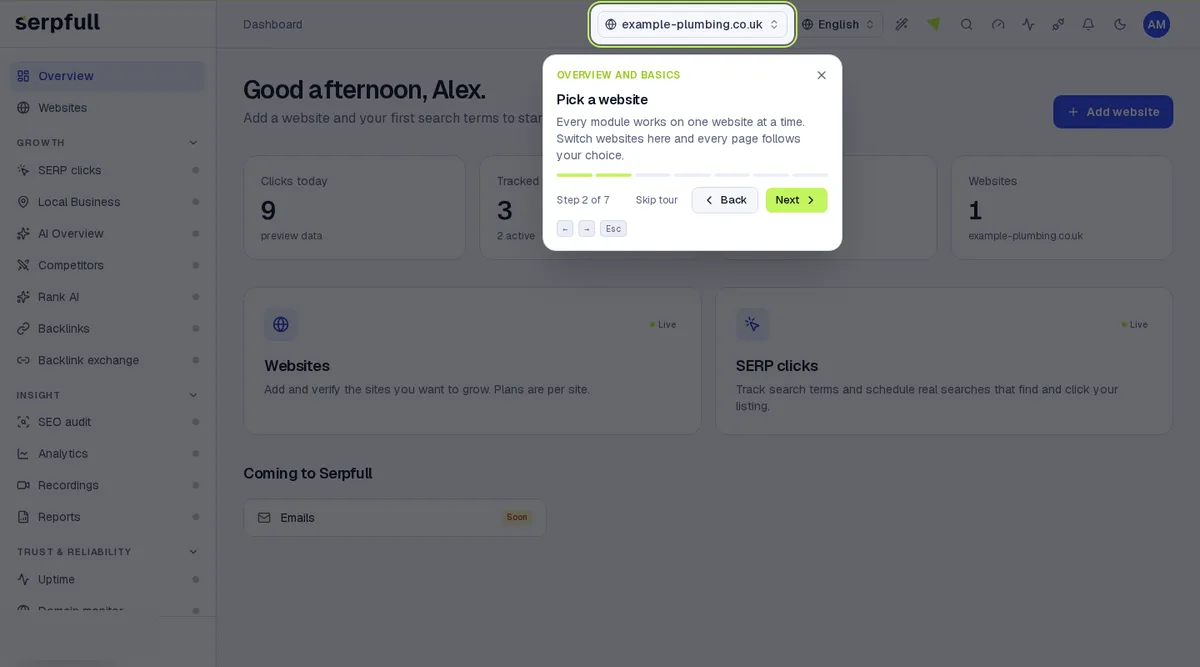
- Use Next and Back, or the left and right arrow keys.
- Press Esc or Skip tour to stop at any time.
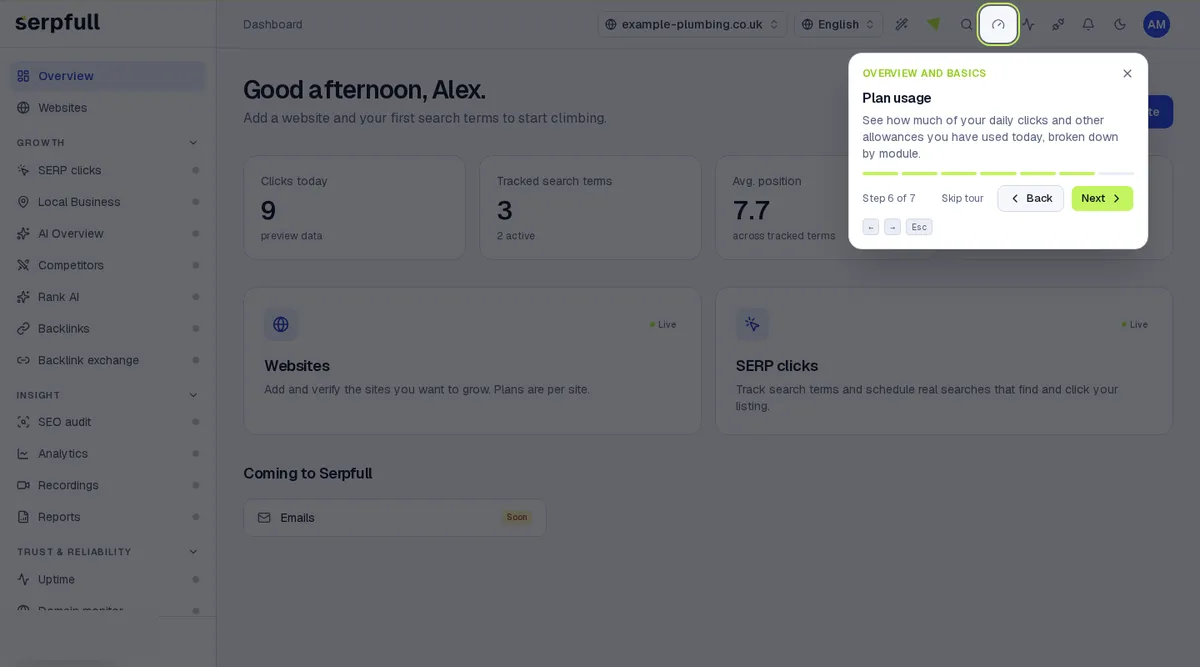
- The bar under each step shows how far through the tour you are.
Your progress is saved
Serpfull remembers the last step you reached in each tour on this browser. Open the same tour again to pick up where you left off, and finished tours are marked as completed in the menu.
Tours from your AI app
If you use the AI connector, ask your AI app to list tours or start one; it gives you a link that opens the tour in your dashboard.
Updated